Light Bulb Troubleshooting
Why Do LED Light Bulbs Flicker, and How Can You Diagnose the Cause?
A controlled bulb swap and careful attention to when the flicker occurs can usually isolate the problem without guesswork.
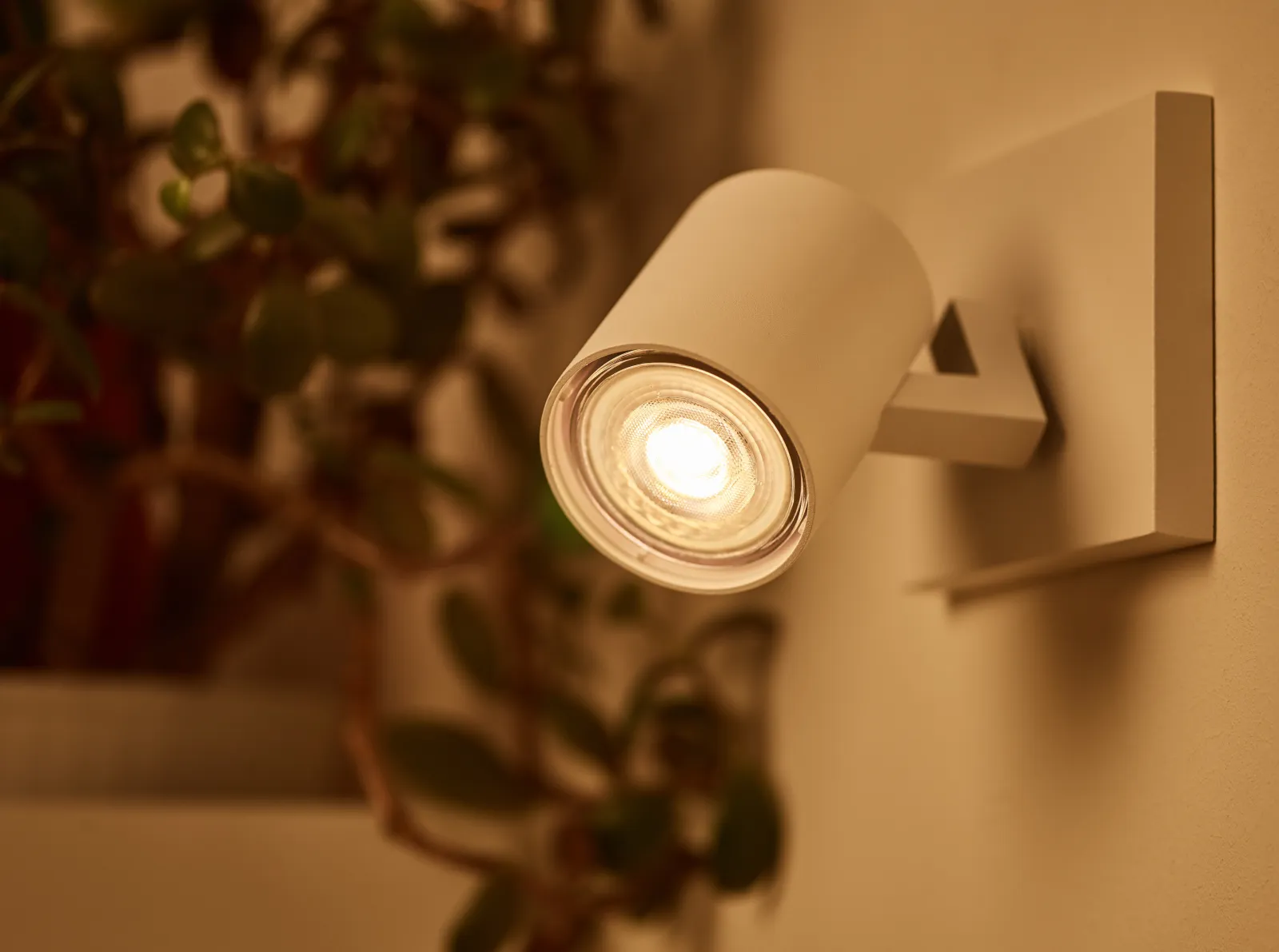
What is actually flickering inside an LED bulb?
An LED does not connect directly to household alternating current. Electronics in the bulb’s base, collectively called the driver, convert and regulate the power supplied to the LEDs. Because LEDs respond rapidly to changes in current, variation produced by the driver, a dimmer, or the incoming supply can appear directly as changing light output.
Some modulation is plainly visible as pulsing or flashing. Faster modulation may instead make moving hands, fan blades, or shiny objects appear broken into repeated positions. A phone camera may show moving dark bands even when your eyes see steady light because the camera and the light interact differently. That makes a camera useful for comparison, but not a reliable pass-or-fail test by itself.
A bulb can have an inherently poor flicker waveform even on an ordinary switch. An aging or failed driver can also become unstable. If the symptom appears only at certain dimmer settings, only when another appliance starts, only after the bulb warms up, or only while the switch is off, those patterns point toward different causes.
Start by identifying the pattern
Observe the light without opening the fixture or switch box. Record whether one bulb, every bulb in one fixture, several lights on one circuit, or lights throughout the home are affected. Also note the switch position, dimmer level, time since startup, and whether an appliance starts at the same moment.
- One bulb flickers while neighboring bulbs remain steady: suspect that bulb, its seating, or that socket first.
- Every bulb controlled by one dimmer flickers: suspect dimmer compatibility, dimmer settings, load configuration, or circuit wiring rather than several simultaneous bulb failures.
- Flicker occurs only near the bottom of the dimming range: the bulb may not remain stable at the level the dimmer is requesting. Raising the dimmer’s low-end trim can help when the model documentation provides that option.
- A bulb flashes or glows with the switch off: a smart or electronic control may be passing a small operating current through the lamp. Use only a remedy documented by the manufacturer for that exact control and bulb combination.
- A bulb begins flickering after it has been on for a while: turn it off, let it cool, and verify whether the bulb is approved for enclosed fixtures if the fixture traps heat. Restricted ventilation can raise the LED driver’s operating temperature.
- Several lights dip when a large motor or appliance starts: momentary starting current can produce a voltage fluctuation. Repeated or severe changes deserve further evaluation.
- Unrelated lights flicker without an obvious trigger: stop treating the problem as a single-bulb fault and consider the branch circuit, service connection, or utility supply.
Use a controlled bulb swap
Turn the light off and allow the bulb to cool. If the fixture is cord-connected, unplug it; otherwise leave the wall control off. Remove and reinstall the bulb normally, without overtightening it. Do not pry up a socket contact or reach into a socket. A damaged, blackened, cracked, or loose socket should be left unused for professional inspection.
Before moving any bulb, compare six separate requirements. Match the base code to the socket. Check the bulb’s voltage. Keep its actual wattage within the fixture label’s limit. Treat bulb shape as a separate question of dimensions and light distribution. Confirm that there is enough physical clearance. If the fixture is enclosed, use a bulb explicitly rated for that environment. Dimmable status is another independent specification; it does not guarantee good performance with every dimmer. The fixture label and the exact bulb, fixture, and control documentation take priority.
Install the suspect bulb in a known-good fixture that uses a plain on/off switch, but only if all those requirements are satisfied. Then try a known-good, suitable bulb in the original fixture. If the flicker follows the suspect bulb, replace the bulb. If the known-good bulb flickers only in the original location, investigate that fixture, control, or circuit.
For a multi-bulb fixture, test with a consistent set of compatible bulbs where the dimmer manufacturer requires it. Mixing LED models or lighting technologies can complicate diagnosis because their drivers may respond differently to the same dimmer waveform. Do not exceed the dimmer’s published LED load or lamp-count limits.
Check the dimmer and other controls
First confirm that the bulb is labeled dimmable and that the control is designed for LED loads. Then look up the exact bulb and dimmer model numbers in the lamp or control manufacturer’s compatibility information. “LED-rated” and “dimmable” are useful screening labels, but testing is performed on specific combinations.
If flicker occurs only at low output, follow the dimmer’s instructions for adjusting low-end trim. Set the lowest level at which all lamps start reliably and remain steady. Do not copy adjustment steps from a different dimmer model. Some advanced dimmers also have selectable operating modes or phases, but those settings should be changed only as directed for the particular lighting load.
Smart dimmers, occupancy sensors, timers, illuminated switches, and photocells may behave differently from a mechanical switch. A no-neutral electronic control may draw a small current through the lamp, causing off-state flashing in some combinations. A dusk-to-dawn bulb can also cycle if its own light reflects back into its sensor or if it is paired with an incompatible external control. Test the bulb on an appropriate plain switch rather than rewiring the control yourself.
Separate voltage problems from wiring problems
Voltage fluctuations can make lamps change output. Motor starting, switching currents, or faults on the distribution system can cause momentary changes. A log of the time, affected rooms, weather, and appliances operating can help an electrician or utility distinguish a local load pattern from a broader supply problem.
Flickering is not automatically an emergency, especially when it is confined to one replaceable bulb or one known dimmer setting. It should not be dismissed, however, when it affects multiple unrelated lights or accompanies repeated breaker trips, abnormal warmth, discoloration, crackling, sparks, a burning odor, or a shock or tingling sensation. Turn off the affected circuit if it is safe to do so and arrange prompt inspection by a qualified electrician. Do not keep testing a visibly damaged fixture.
If multiple circuits or the whole home are affected, an electrician can check customer-owned wiring and connections. Your electric utility can investigate service-voltage or supply problems; utilities commonly ask customers to report persistent flickering, partial power, and high- or low-voltage symptoms. This division of responsibility is another reason a written symptom log is more useful than repeatedly buying new bulbs.
Before you buy
A quick replacement check
- Note exactly which bulbs and rooms flicker.
- Record whether flicker changes with the dimmer level, switch position, warm-up time, or appliance operation.
- Turn the light off and let the bulb cool before handling it.
- Check base code, voltage, actual wattage, bulb dimensions, enclosure rating, dimmable status, and physical clearance separately.
- Perform a two-way swap with a known-good bulb and a suitable plain-switch fixture.
- Look up the exact bulb, dimmer, and fixture models rather than relying only on general labels.
- Use only model-specific trim adjustments, compatibility lists, or control accessories.
- Call an electrician for widespread flicker or electrical warning signs, and contact the utility if a service-voltage problem is suspected.
Common follow-ups
Questions people ask next
Is a flickering LED bulb always dangerous?
No. A single bulb may have a poor or failing driver, and low-level dimmer flicker often reflects compatibility. Widespread flicker or flicker accompanied by heat, odor, discoloration, noise, shocks, sparks, or breaker trips warrants professional attention.
Why does my LED bulb flicker only when dimmed?
The bulb and dimmer may not operate well together, or the dimmer may be requesting a level below the bulb’s stable range. Confirm both model numbers are compatible and use the dimmer’s documented low-end trim procedure if available.
Why does an LED flash when the switch is off?
Some electronic controls draw a small current through the lighting load even while nominally off. That current can periodically charge the bulb’s electronics and produce a flash. Follow the control manufacturer’s model-specific compatibility guidance.
Can I test LED flicker with my phone camera?
A camera can reveal modulation and help compare two bulbs under identical settings, but banding depends on the camera’s exposure and readout. It cannot by itself determine whether a lamp is defective or acceptable.
Should I replace the bulb or the dimmer first?
Perform the controlled swap first. Replace the bulb if the symptom follows it into a suitable plain-switch fixture. Investigate the dimmer, fixture, or circuit if a known-good bulb flickers only in the original location.
Checked against
Sources
- U.S. Department of Energy — Flicker Basics ↗Accessed 2026-08-12
- U.S. Department of Energy — Flicker Research ↗Accessed 2026-08-12
- Lutron Electronics — Ghosting and Blinking LED Lights with Caséta Dimmers ↗Accessed 2026-08-12
- Lutron Electronics — The Lights My Maestro LED+ Dimmer Is Controlling Are Flickering, Buzzing, or Dropping Out ↗Accessed 2026-08-12
- Leviton Manufacturing — Why Does My LED Bulb Flicker or Turn Off When Dimming? ↗Accessed 2026-08-12
- Seattle City Light — Voltage Flicker Limits ↗Accessed 2026-08-12
- U.S. Department of Energy — Purchasing Energy-Efficient Light Bulbs ↗Accessed 2026-08-12
- Feit Electric — General LED FAQs ↗Accessed 2026-08-12